

I Have a Mighty Need!
This is going to be a shorter post, as the bulk of the content is on my GitHub.
In Proxmox, for the VM console you have two primary ways of accessing the hosts.
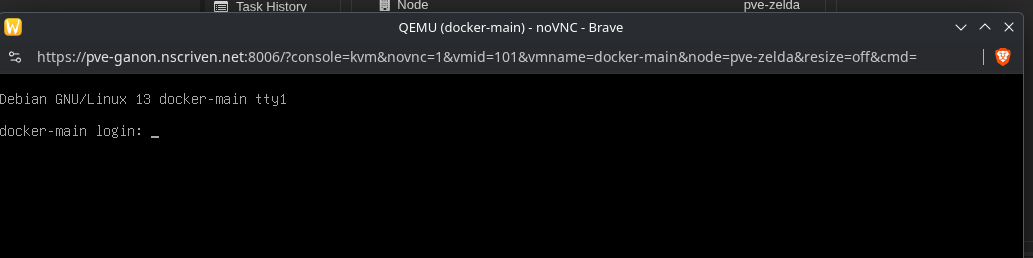
noVNC, which is the devil, (I mean it’s right there in the name!) and SPICE. Let’s discuss the pros and cons of both.
noVNC:
Pros:
Immediate access from Proxmox. It just pops up, easy peazy.
No other pre-reqs are required.
Default option
This now concludes the “Pros” section.
Cons:
Cannot resize windows/change resolution
No Clipboard (serious PIA to make it work)
Hates you and everything you stand for.
SPICE:
Pros:
Clipboard for days!
Supports multiple screens
Resolution aware, screen can be dynamically resized
Not noVNC
Cons:
On the local machine “virt viewer” is required.
Easy for Linux, Windows can be tricky.Not browser native, clicking the console button prompts a download that you then open with virtviewer to use.

For all features, the SPICE driver must be installed on the VM. In Linux they are already there, for Windows you’ll need virtio tools. The SPICE driver is part of the overall QEMU tools package.
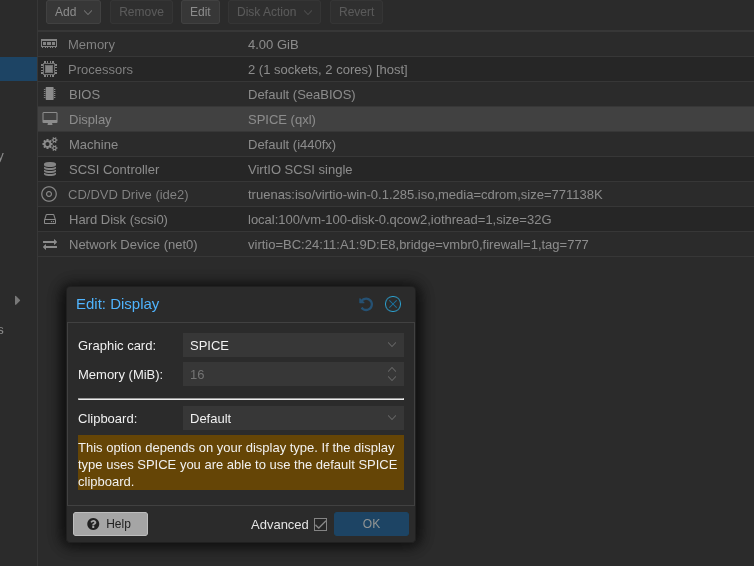
The hardware of the VM display must be set to SPICE.
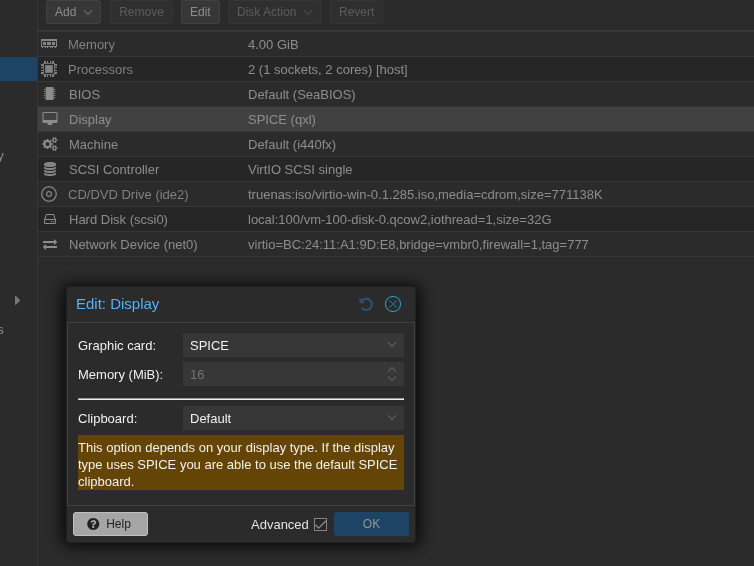
Man, that’s alot of cons…but it’s easy to setup and then you never have to deal with noVNC again.
Here’s details SPICE and virtio tools.
Proxmox Spice
Windows_VirtIO_Drivers

Let’s Vibe.
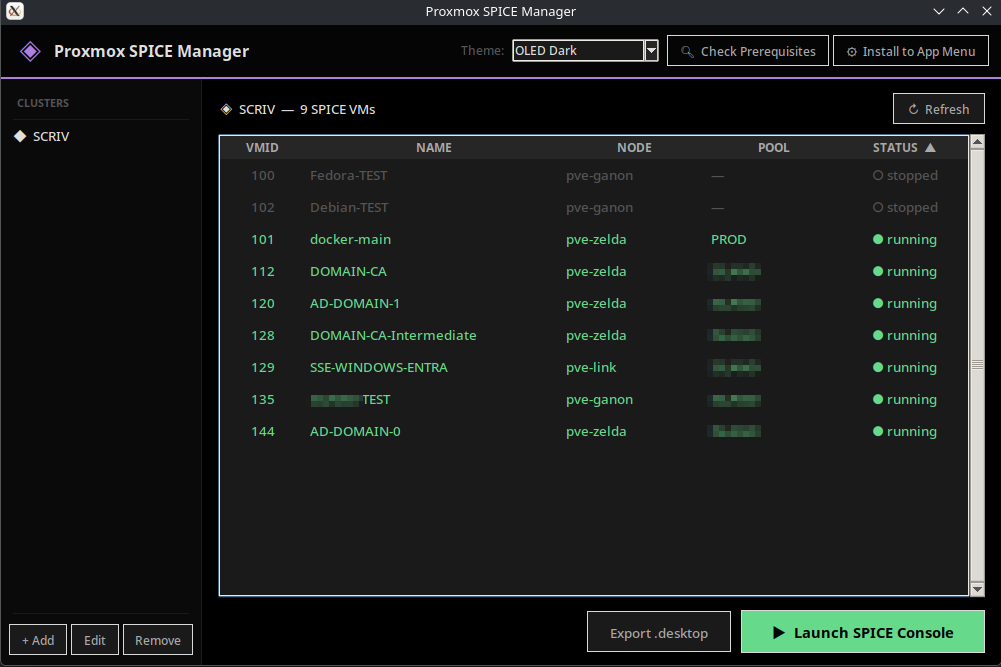
So I use Proxmox for a lot of testing. Going back and forth, downloading the VV files (they auto delete after use) every time I want to hit console gets to be really tedious. So I worked with Claude and vibed up a python script. And so far, it’s worked really well.
You can use passwords or API, and I have the script as well as the full instructions up at: https://github.com/darthrater78/proxmoxspicemanager
It’s Linux only and works on Fedora/Debian. It’s got themes, “Install to app menu”, dependency checks/install assistance, etc. Hopefully you find it as nifty as I do.
UPDATE: Fully functional Windows version now on the repo!
Until Next Time.