

Intro and Musings
Sometimes you need to run something weird, something that stubbornly refuses to die, the cockroach of the enterprise/business world. If a software was considered to be undead, it would be the IBM 3270 terminal. And while the physical terminal has been long dead, it’s been lovingly(?) resurrected as a standalone application/docker container. The big question is why? Well, maybe you need to demo something, maybe you’re looking to…actually I have no idea. I needed it for a demo.
But I found it interesting, so here we are. Terminal emulators are still widespread in many verticals. Casinos, retail, healthcare, it’s still there. So we’ll cover how to get this running.
Terminal Velocity
The docker example can be found as always on my Github.
Ok, the first part is the 3270 Web Docker. This is neat, because it’s a web terminal client that also has sample apps to play around in. Swell, right?
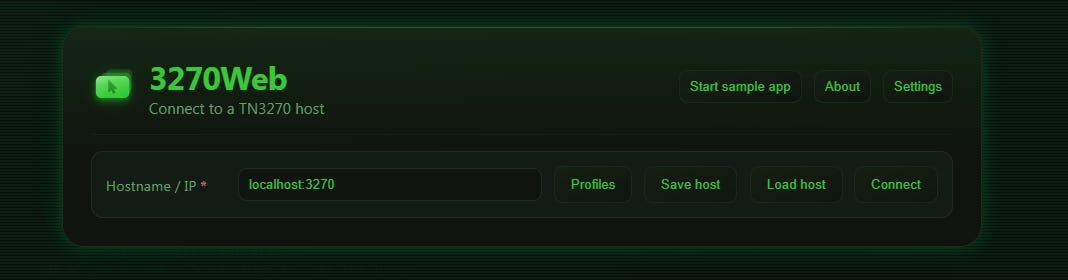
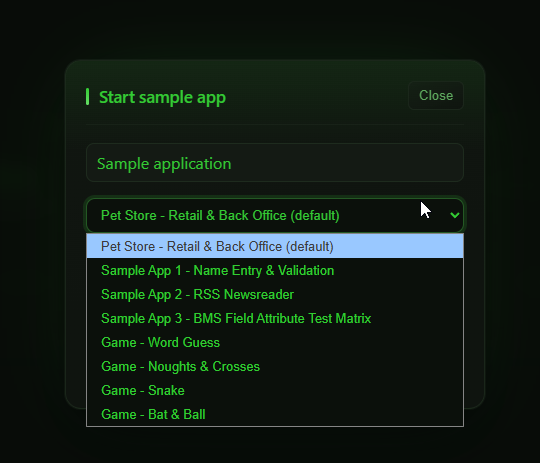
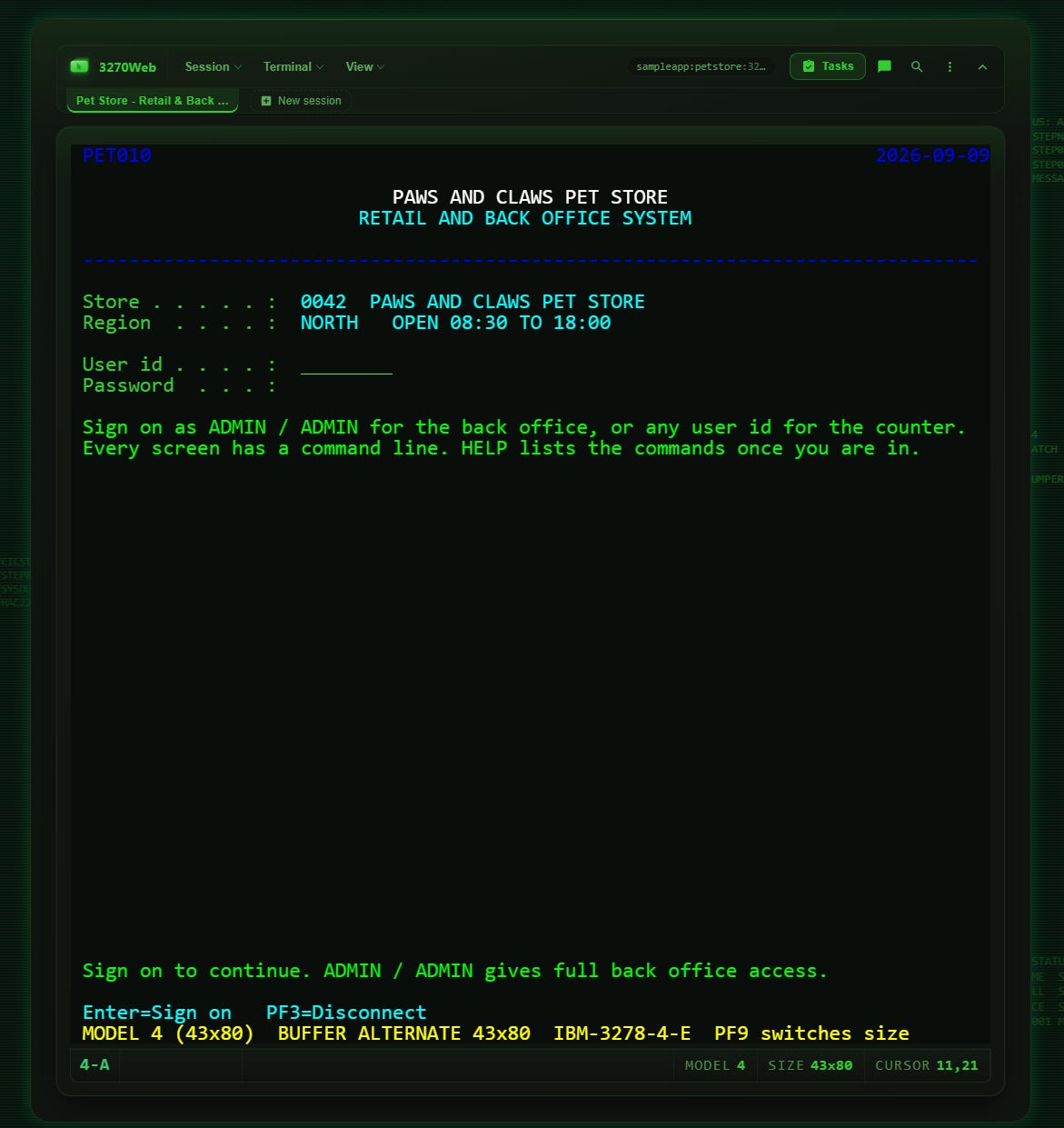
So this is pretty nifty, but what if you need to connect to this from a thick client. Well, you can’t. All the samples are internal to that docker instance. What to do? Install another server endpoint in the same stack! I love docker.
Hercules, Hercules!
https://github.com/skunklabz/tk4-hercules You could install these in different composes, but no need for this use case. Port 8038 is used as a management port. Which you’ll likely never use, just know that it’s there.
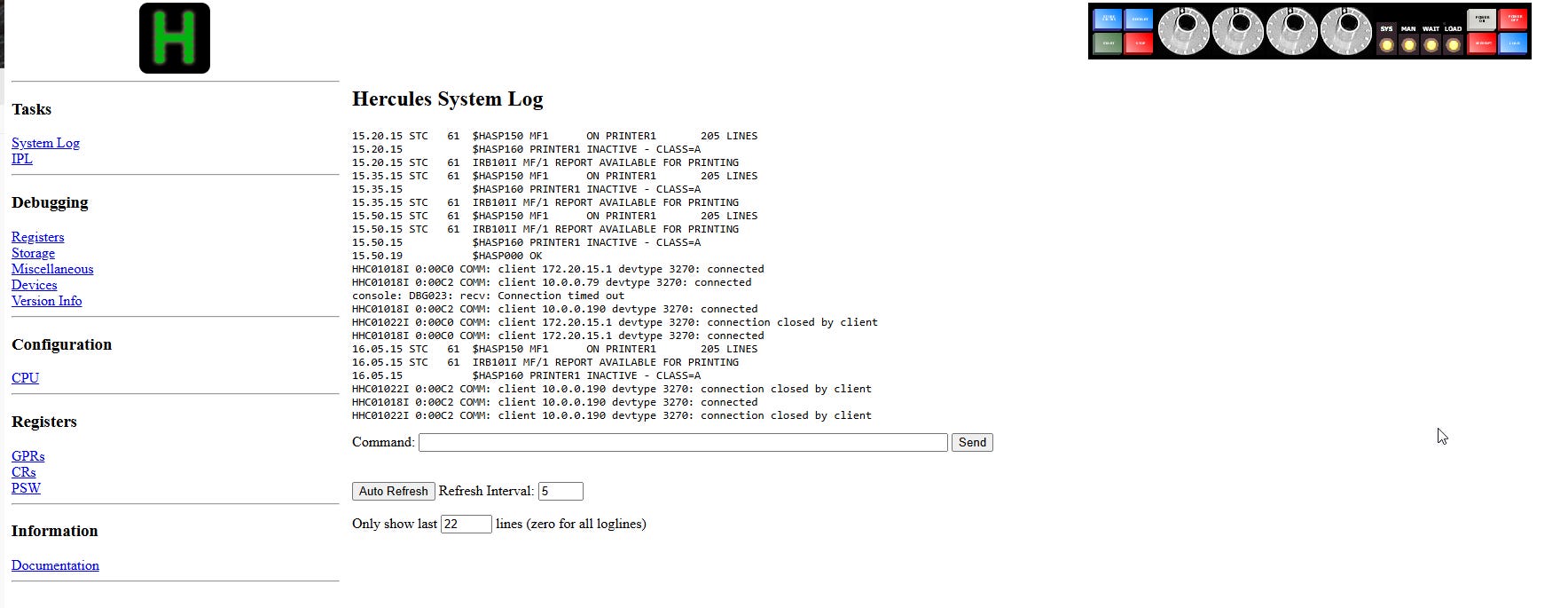
Once that’s running, you’ll be able to connect to it from 3270web.
Don’t use “local host: 3271” it will not work. Note in the compose the port is shifted as to not conflict with 3270 web.
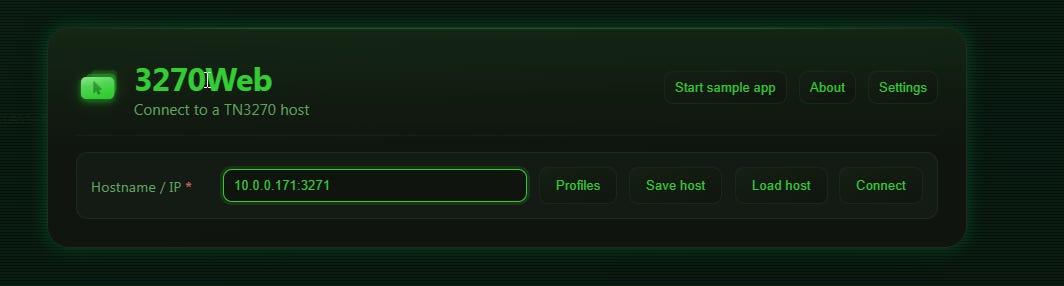
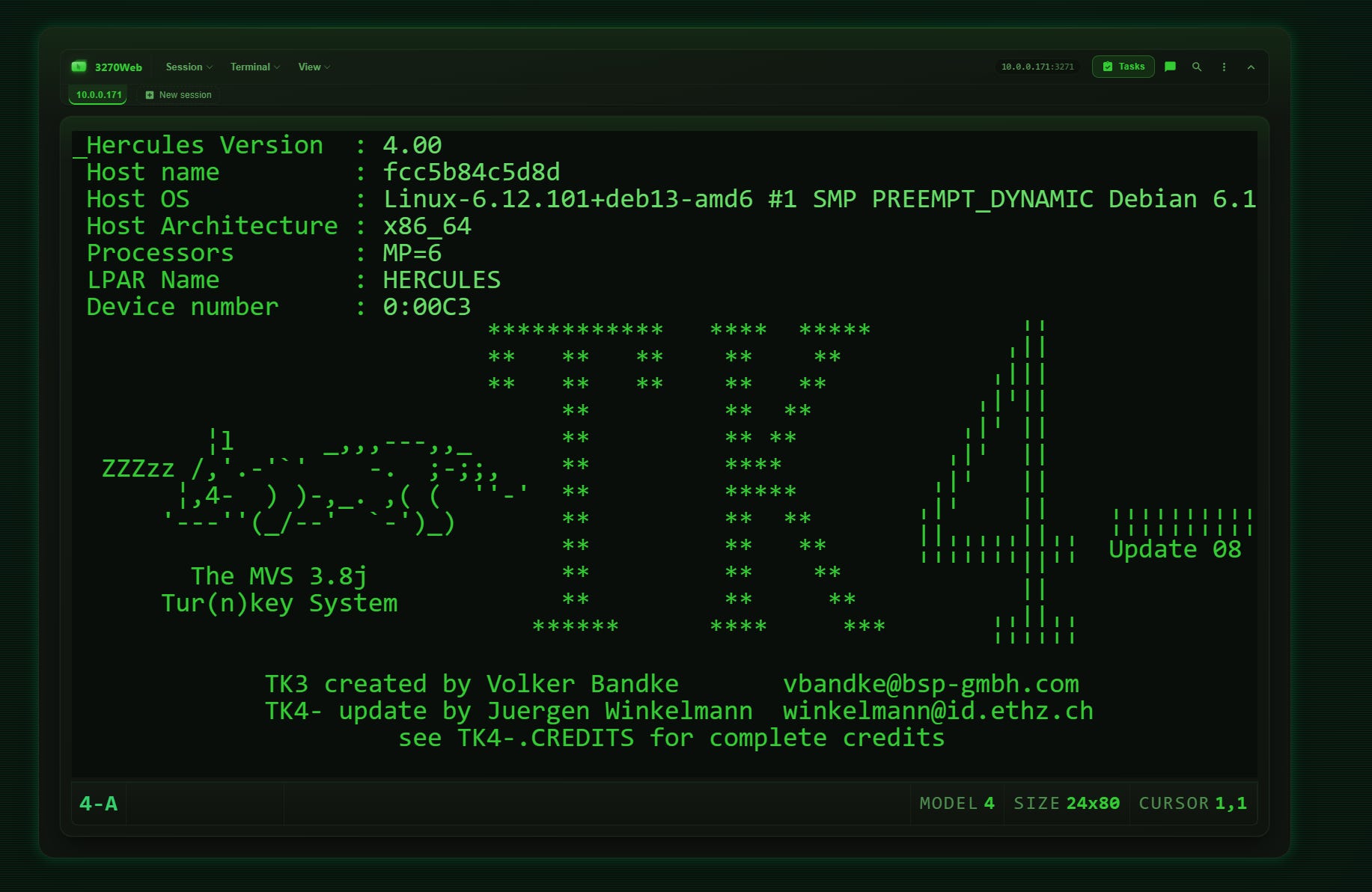
Taa daa! Now, I’m not going to lie. I’m like the dog that caught the car at this point. What to do with it? No idea! This is purely connectivity validation. Terminal emulator over the web! YAY!
Thick and Thin
Now, let’s say you want to connect to this with a thick app and not via the web. There’s a 3270 emulator! I went to the latest version and downloaded the “no install.” Unzip and look at the folder.
https://sourceforge.net/projects/x3270/files/x3270/
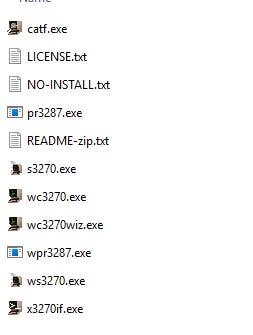
That’s…a lot of options. But it’s actually easy. Choose wc3270wiz.exe to pop up a wizard to configure.
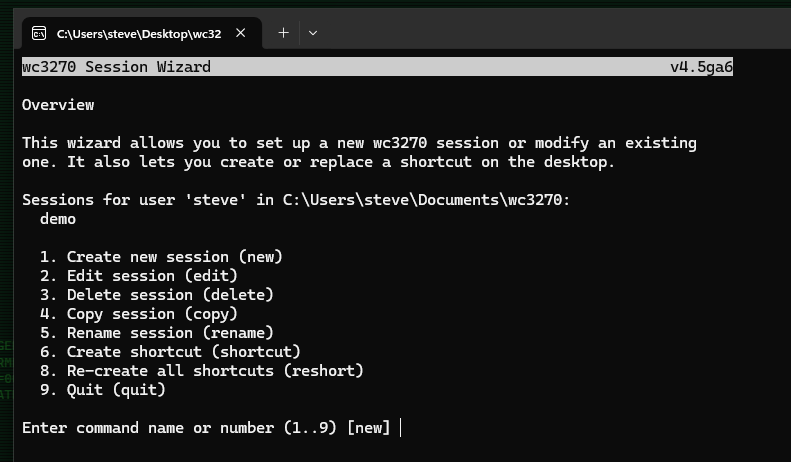
Create a session, and give it a name. Now, you’re going to want to use ip:port here. Don’t do that. Put the port separately in 3 on the next page.
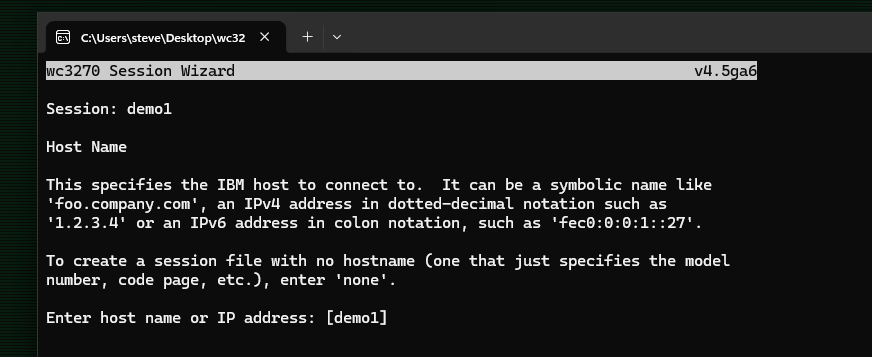
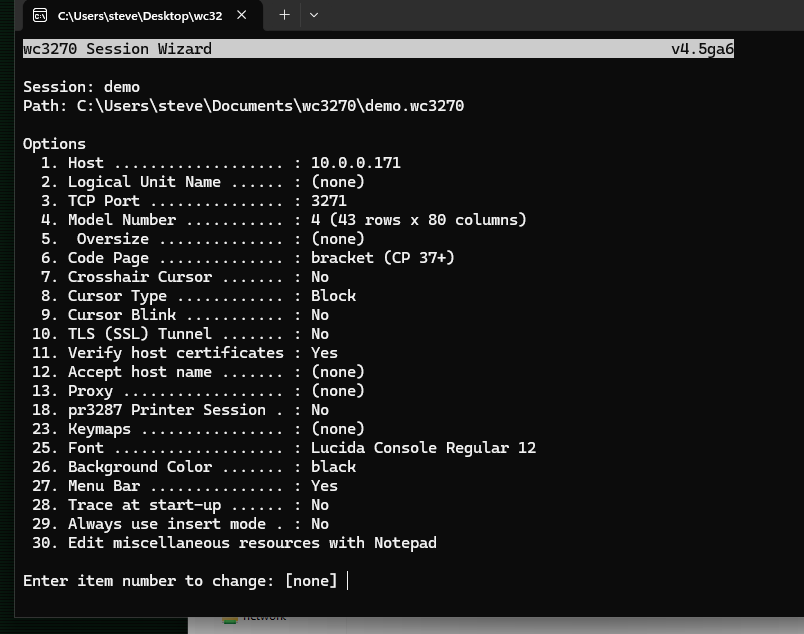
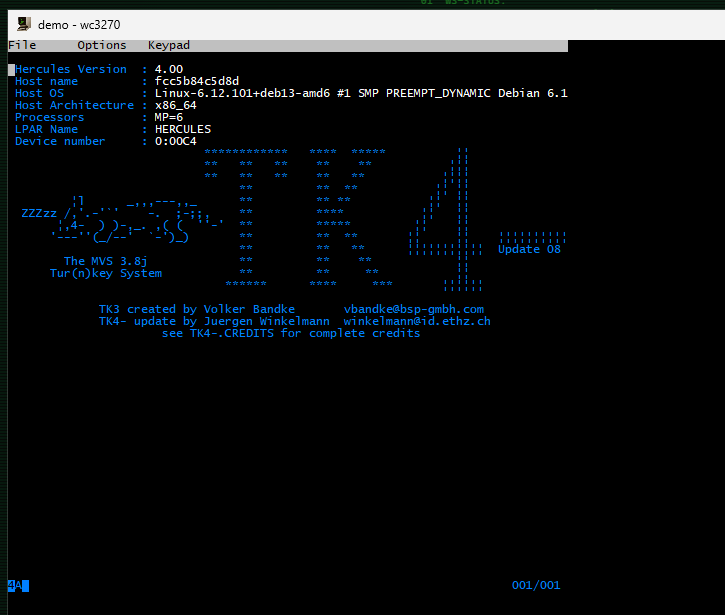
Once done, hit enter for “none” and it will ask you to save and then create a shortcut. It’ll be on the desktop, and it will just connect. There’s that car again!
Conclusion
That’s it. This was defintely more of a mini ramble for something I found interesting. So…here it is!
Until next time.