

Intro and Musings
As a network/server engineer working with SSH is an almost daily event, especially when you move your server infrastructure to Linux. There’s a whole slew of SSH clients out there as well.
Lazy sadists (you know who you are) use Putty, others use X-Term, etc. For the longest time I was a SecureCRT user. It was full of features, and ran well. It wasn’t free but hey that’s ok for a quality solution. As time went on though, SecureCRT got a bit tedious. Making new hosts is kind of a pain, and moving to cert based auth just felt…clumsy. In a lot of way it was tied to the Windows app framework and all its inherent clunkiness.
And then I moved to Fedora, and they don’t provide a native client. I was able to use the Ubuntu snap but it felt fragile and just…ew. I had just started my frenzy of “docker-ize all the things” so I googled Docker based SSH, and up came Termix.
New Paradigms
So what I was looking for was to separate the app from the OS and make SSH reachable from any device I chose, but over the web. And Termix was the first solution that made this a reality. It was a bit rough, and I had some early security concerns after looking at the volume in Docker after I started it for the first time. (It has come so far since then) But this is exactly what I wanted. And let me tell you the devs over at Termix are an absolute delight. Karmaa, Zac, p3rf3ction, etc embody what open source projects are supposed to be. They take all feedback and never insult or demean anyone. And the quality of the project shines through because of it. Enough gushing, let’s get to the app.
Warning: What follows is more of a feature…ramble if you will.
The Main Event
An example compose.yaml can be found at the Rambing Nonsense GIT. The formal project page is at Termix, and the Discord link here. I’m not going to cover every feature, but let’s get started.
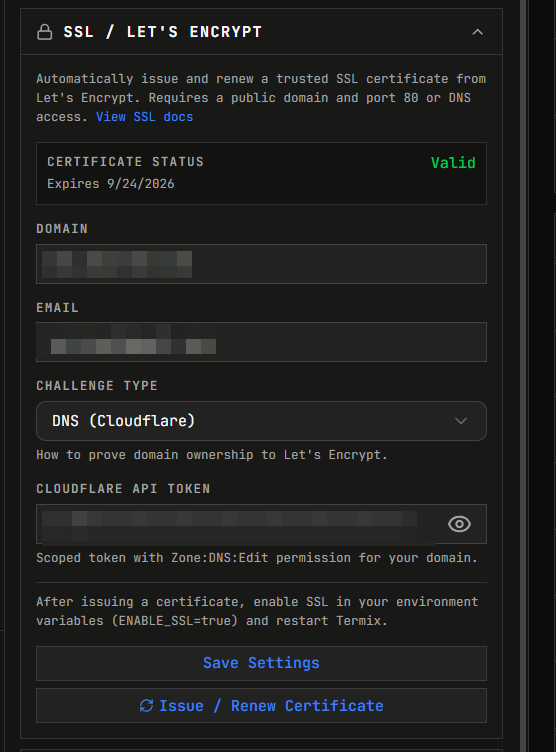
ACME/LE support. Certain critical services like Proxmox and SSH, I don’t like putting them behind NPM. If the proxy has issues, I’ll use those services to troubleshoot. Being able to manage my cert directly is a game changer for me.
Credential Manager/SSH Cert Generation
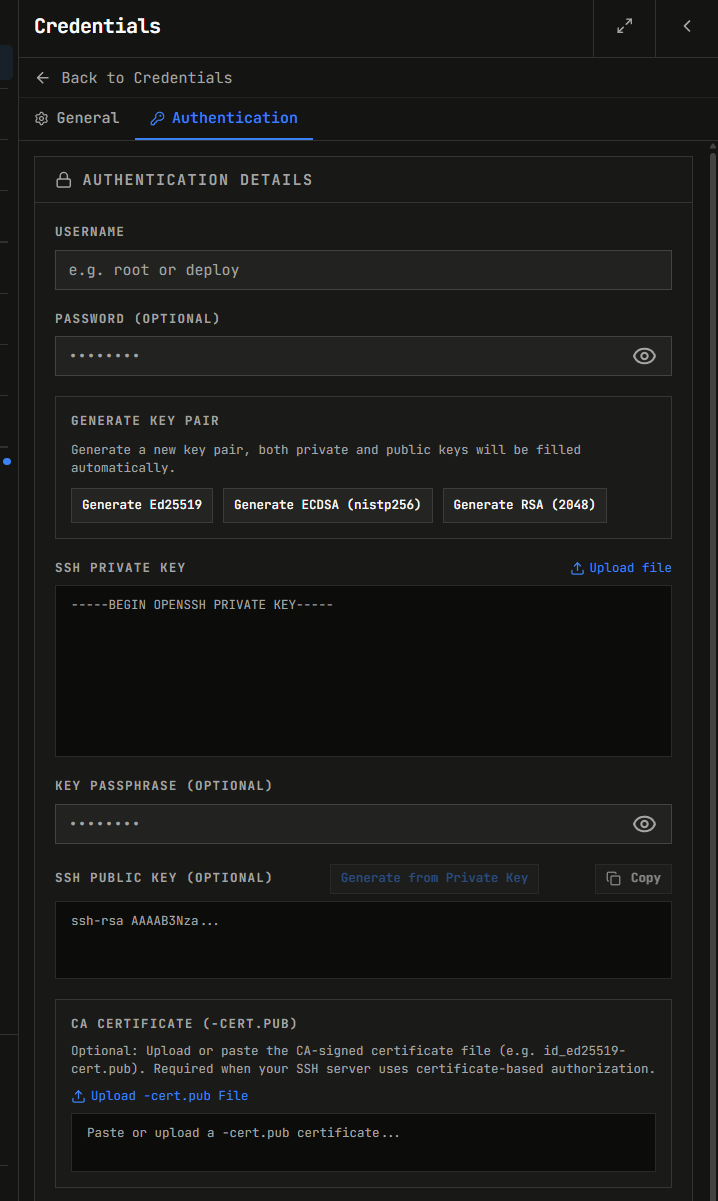
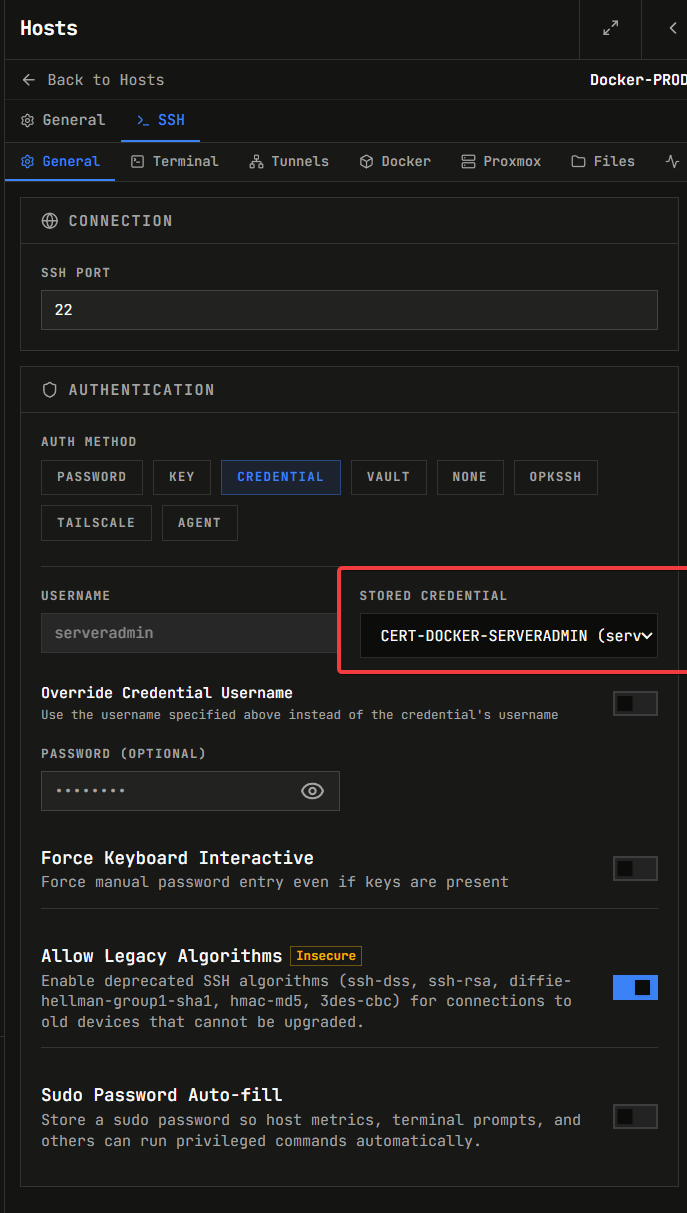
Termix comes with centralized credential management, and you can use it to generate your key pairs and/or store the passwords. You can then easily assign the credential template to different hosts.
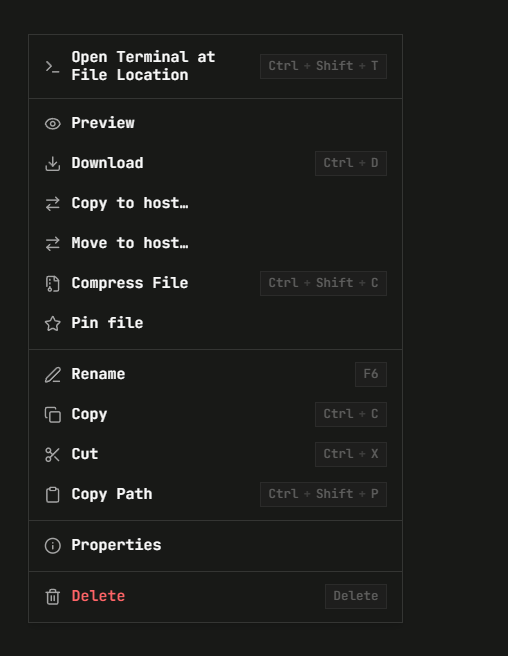
Embedded File Manager
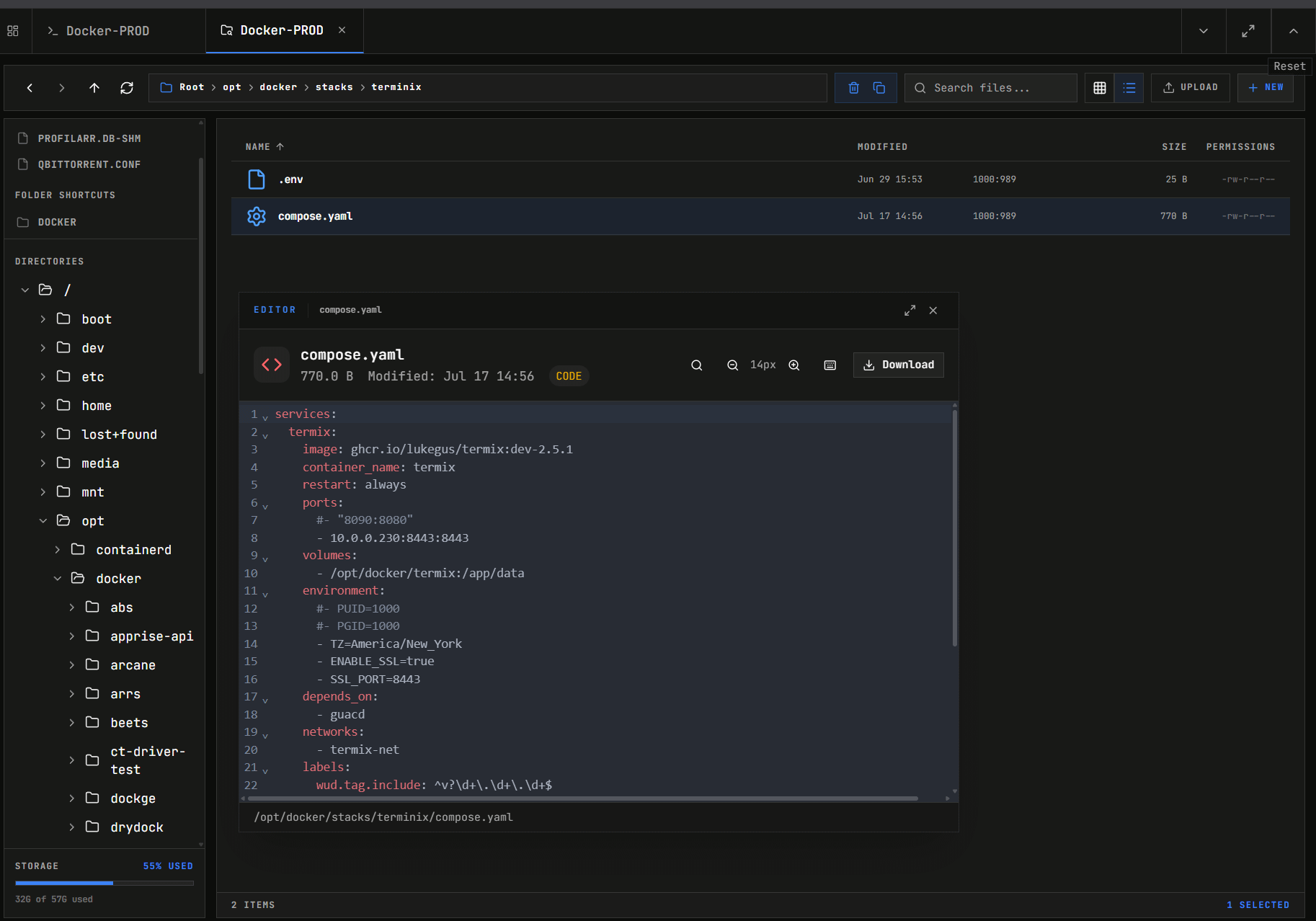
I’m sorry but SCP/SFTP is a major PIA. Termix fixes this completely. You can even live edit files from within the same session, with a rich set of copy/paste/compress tools.
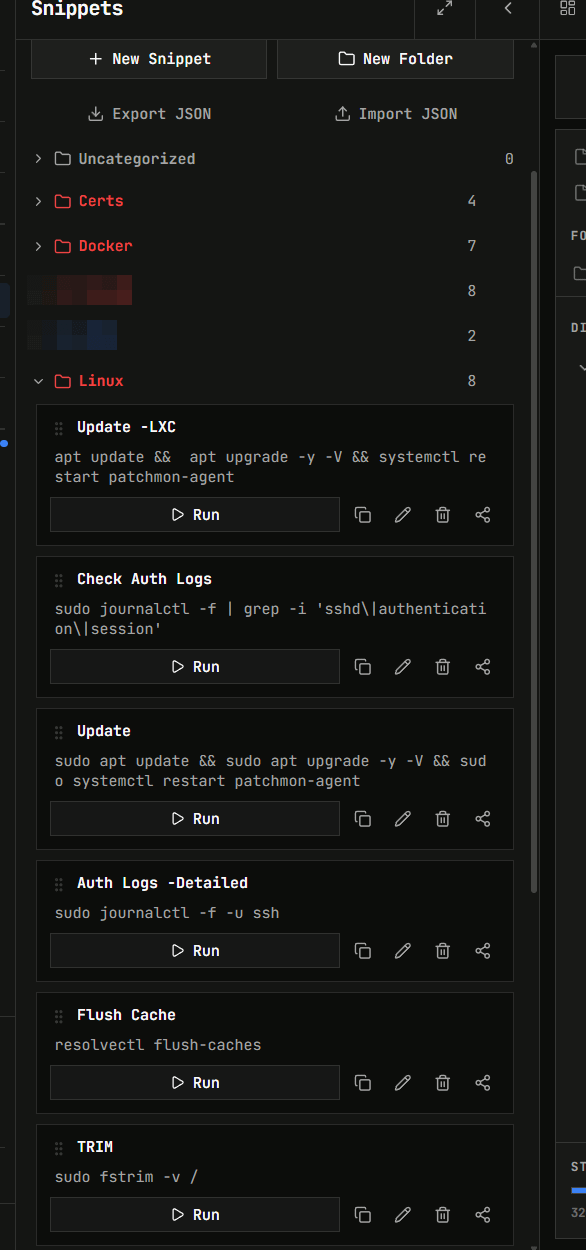
SNIPPETS!
Have repeatable code, those routine or arcane commands that you want to invoke easily? Use snippets! Use them for one session, or multiple.
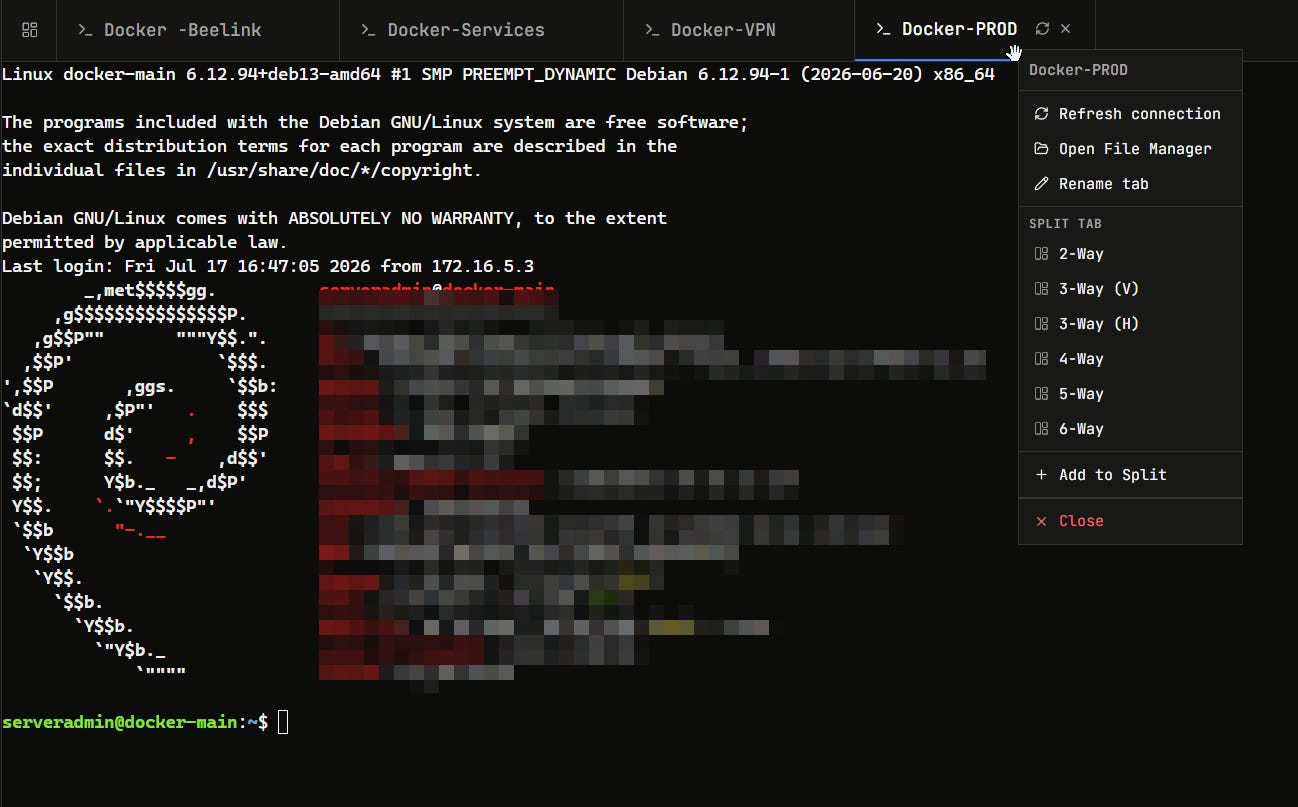
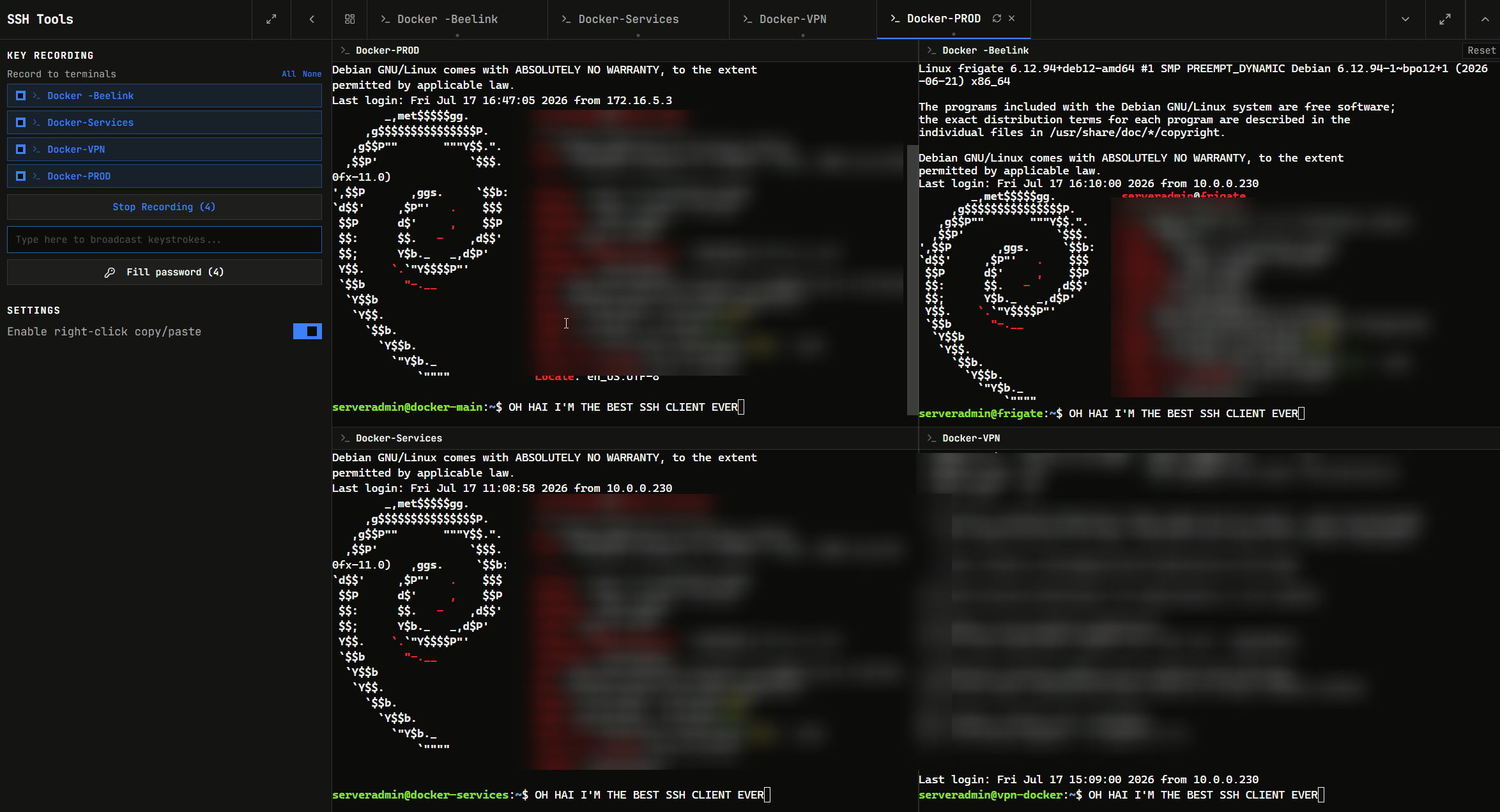
Multi Screen Support
Right click and easily split open sessions.
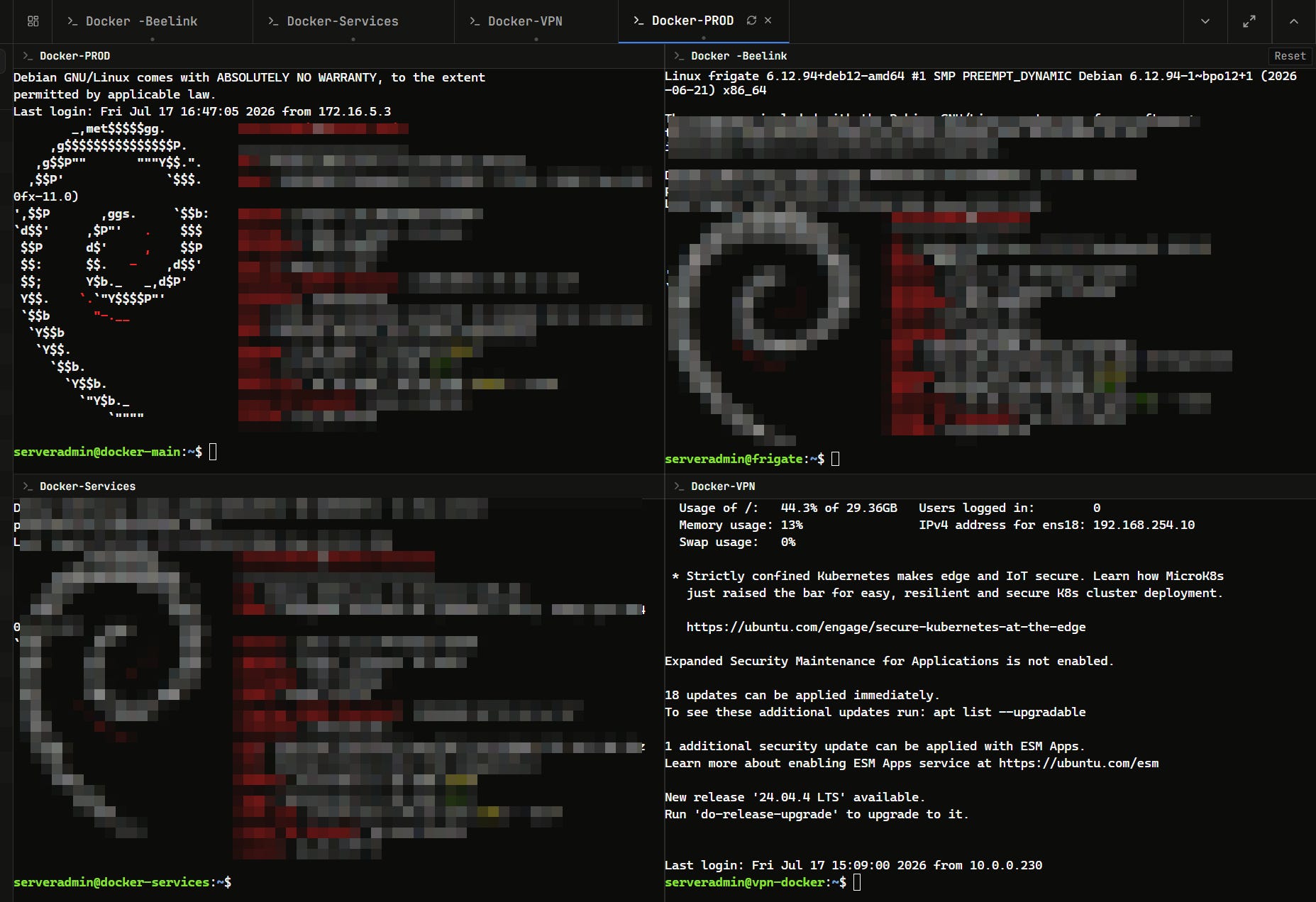
Command Broadcast
Send live text to multiple open sessions
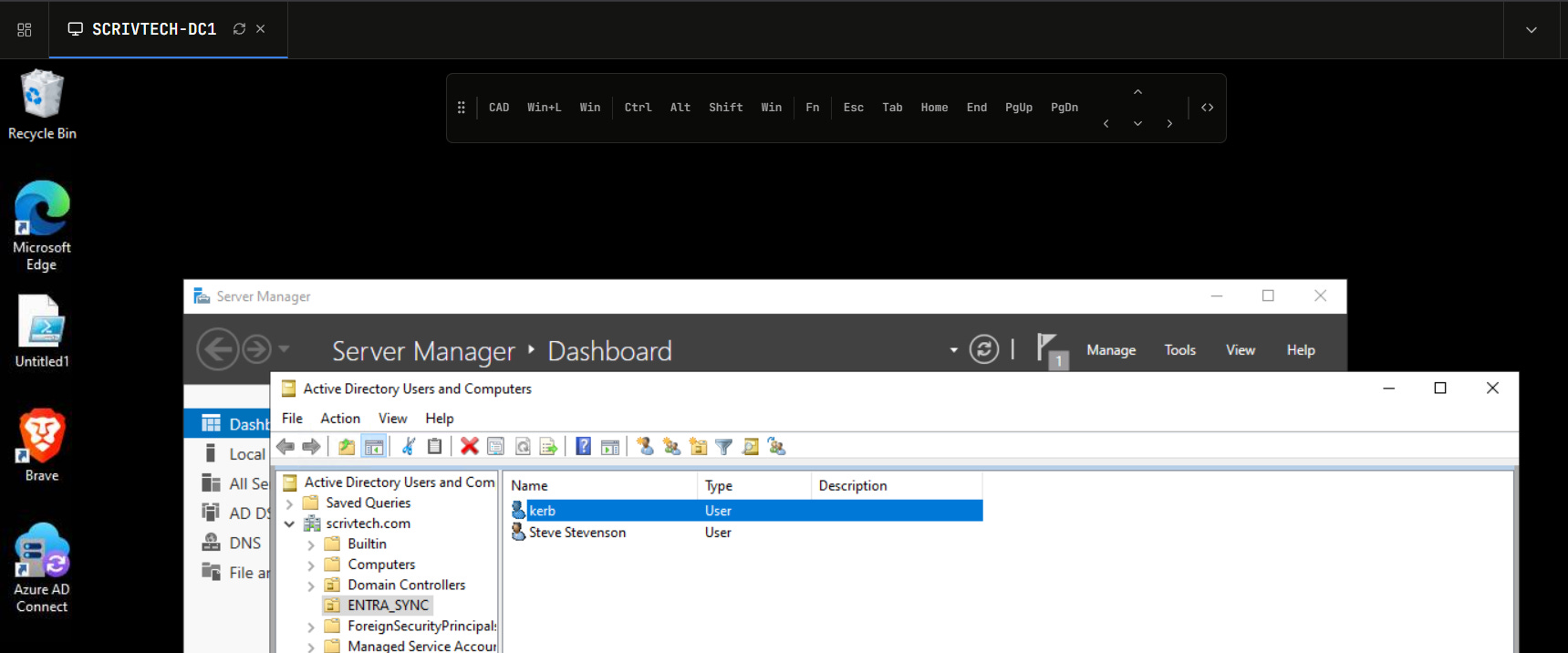
RDP/VNC Support Via Internal GUAC Server
You may have noticed in the compose, there’s an optional GUAC server for added functionality.
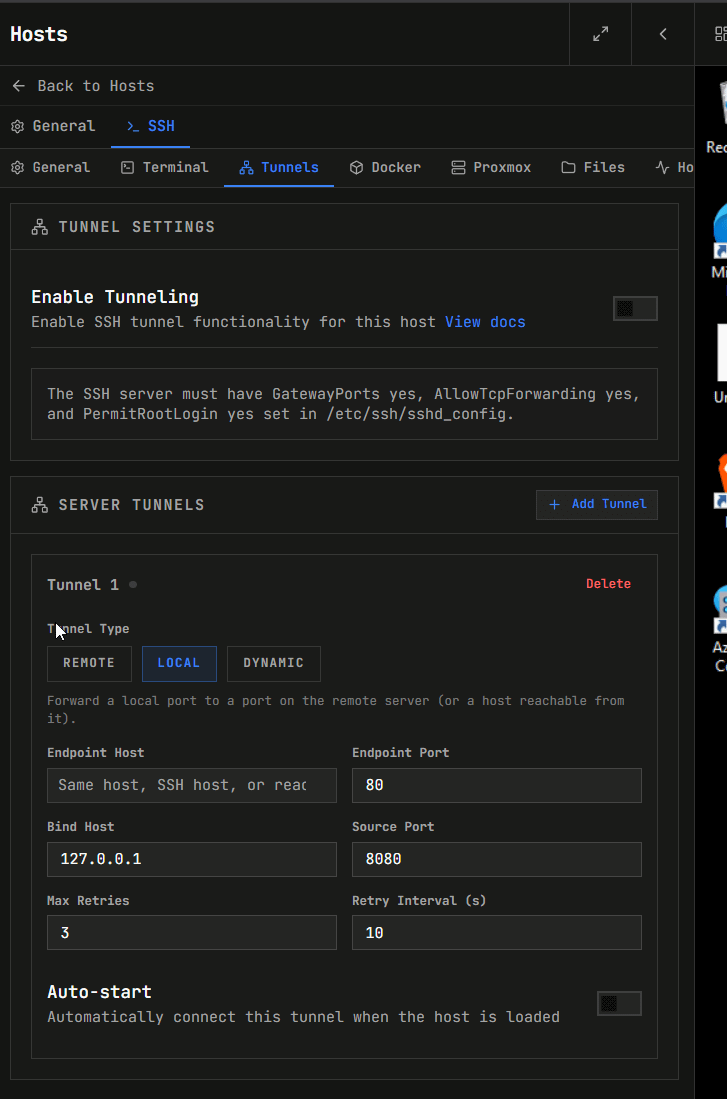
Server Tunneling
I don’t use this, but it’s worth calling out.
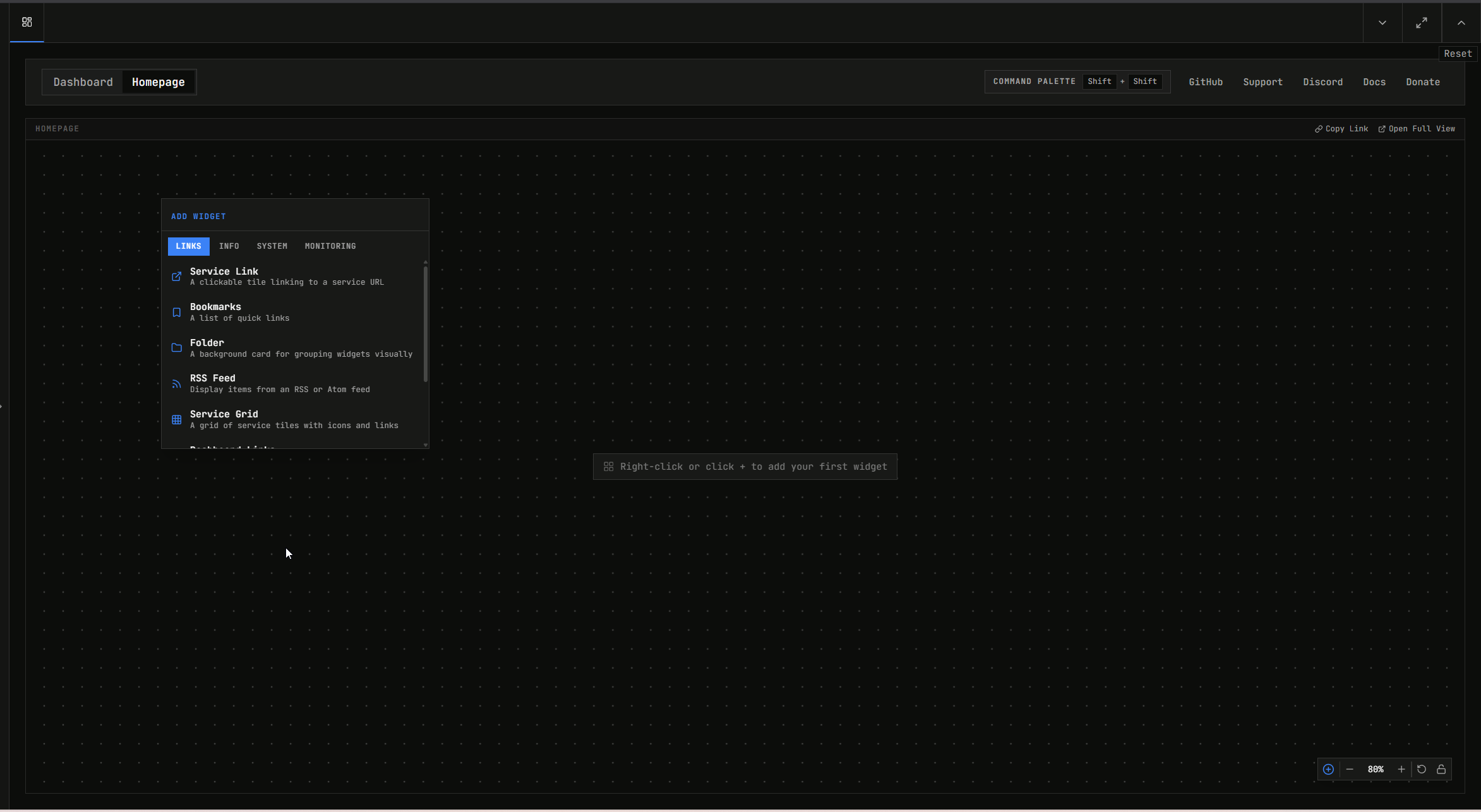
Built In Homepage
Not something I use either, but worth calling out.
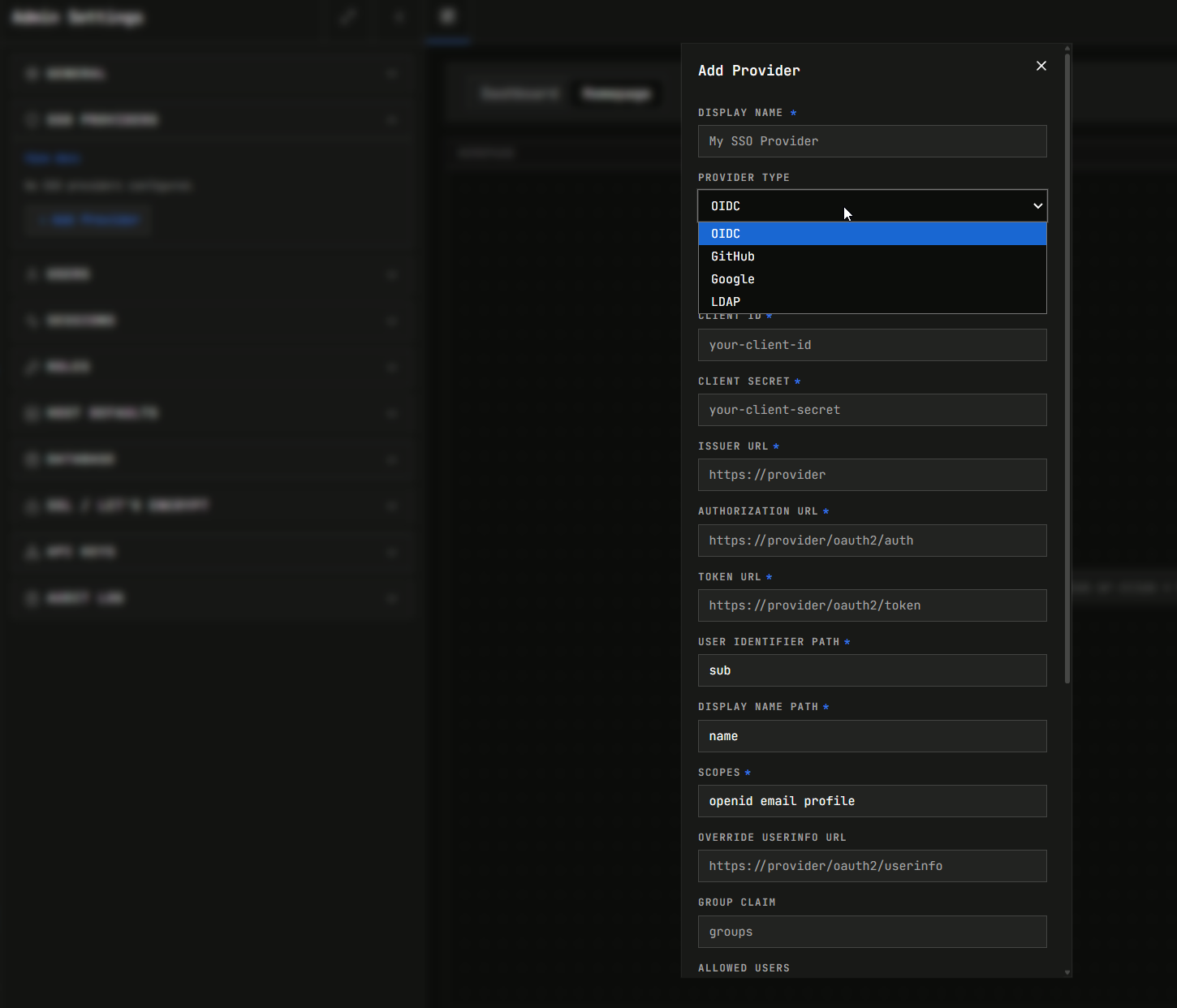
SSO Provider Support
Desktop Clients
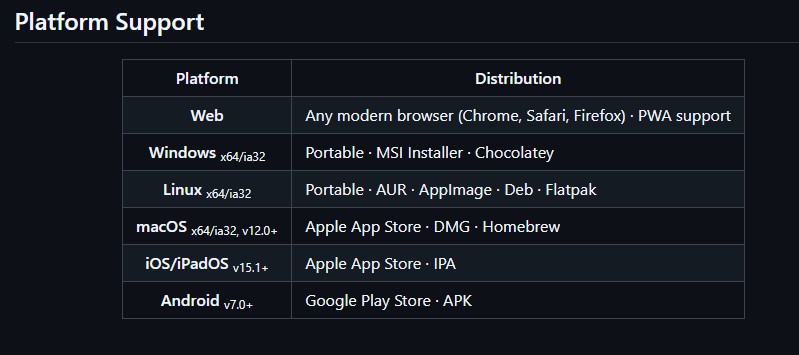
If you don’t have Docker, or want to run a local client that syncs back to Docker, you can do that too! It’s also on the roadmap to allow the client to sync to Docker for “offline mode” so you can still work with your sessions locally if the instance is down.
Conclusion
I’ll cut it short here. There’s just so much. On the main Github page they have more pictures and videos. I just wanted to give my personal impression. Do yourself a favor, and try Termix today. You’re going to love it.
Until next time.